40% of my users on Android 14 were crashing. Every. Single. Day.
The crash logs all said the same thing: ForegroundServiceStartNotAllowedException. My auto backup service that had worked fine for four years just... stopped working. Google had finally won the war against background services, and I was collateral damage.
The Old Way Worked Great (Until It Didn't)
Our All Backup & Restore app had a simple approach since 2020: start a foreground service on boot, listen for app installs, backup immediately. Users loved the "real-time" feel.
class BootCompleteReceiver : BroadcastReceiver() {
    override fun onReceive(context: Context?, intent: Intent?) {
        if (intent?.action == "android.intent.action.BOOT_COMPLETED") {
            context?.startForegroundService(serviceIntent)
        }
    }
}
The service would show a persistent notification, register broadcast receivers for PACKAGE_ADDED and PACKAGE_REPLACED, and backup any new app within seconds.
Then the complaints started rolling in.
Death by a Thousand Paper Cuts
First came the battery complaints. "Why is there always a notification?" "App drains battery even when I'm not using it." Fair points, but the app needed to run constantly to catch installs. Trade-offs, right?
Then Android 14 landed and everything broke.
Fatal Exception: ForegroundServiceStartNotAllowedException
Unable to start service - not allowed to start foreground service
I added FOREGROUND_SERVICE_TYPE_DATA_SYNC. Still crashed. Added the new permissions. Still crashed. Added restart logic when the system killed the service.
Still. Crashed.
I spent two weeks fighting this. Samsung phones killed the service. Xiaomi's "battery optimization" murdered it. OnePlus had its own special way of breaking things. Every manufacturer had custom restrictions, and my service was losing the fight on all fronts.
The Moment I Gave Up (In a Good Way)
Mid-2025. I was looking at production data:
- Significant portion of Android 14 users experiencing service crashes
- Noticeable battery consumption from the background service
- User retention dropping - people were uninstalling
I'd been fighting the platform for months. Maybe it was time to stop.
The realization hit me: real-time backup detection was a nice-to-have, not a must-have. Did users actually need their apps backed up within seconds of installation? Or would an hour delay be totally fine?
Spoiler: an hour delay was totally fine.
Polling Instead of Listening
The new approach is embarrassingly simple. Instead of running a service 24/7 listening for broadcasts, I just... check every hour if anything changed.
val workRequest = PeriodicWorkRequestBuilder<MonitorWorker>(
    1, TimeUnit.HOURS
)
.setConstraints(
    Constraints.Builder()
        .setRequiresBatteryNotLow(true)
        .setRequiresStorageNotLow(true)
        .build()
)
.build()

WorkManager.getInstance(context)
    .enqueueUniquePeriodicWork(
        "app_monitor_work",
        ExistingPeriodicWorkPolicy.KEEP,
        workRequest
    )
The MonitorWorker wakes up, compares the current installed apps against a saved list, detects any new or updated apps, and schedules backup workers for them. Then it goes back to sleep. No persistent notification. No fighting the system.
The Change Detection Logic
fun detectChanges(lastKnown: List<AppInfo>, current: List<AppInfo>): List<AppInfo> {
    val changes = mutableListOf<AppInfo>()
    val lastKnownMap = lastKnown.associateBy { it.packageName }

    for (app in current) {
        val oldApp = lastKnownMap[app.packageName]
        when {
            oldApp == null -> changes.add(app.copy(isNew = true))
            app.versionCode > oldApp.versionCode -> changes.add(app.copy(isUpdate = true))
        }
    }
    return changes
}
I store the app list in SharedPreferences (serialized with Kotlin Serialization). Every hour, load the old list, get current apps from PackageManager, compare, save the new list. Simple.
The 20-App Update Incident
Two weeks after shipping the WorkManager version, I got ANR reports. Turns out Google Play sometimes updates 20+ apps at once (usually after a fresh install or when the phone was off for a while). My code was scheduling 20 backup workers simultaneously.
The fix was dumb but effective - stagger the workers:
changedApps.forEachIndexed { index, app ->
    val delaySeconds = index * 20L
    // App 0: immediate, App 1: 20s, App 2: 40s, etc.
    scheduleBackup(app, delaySeconds)
}
Now at most 1-2 workers run concurrently. ANRs gone.
That Weird Coroutine Bug
I had a subtle bug that took forever to track down. Some backups would just... fail silently. The worker reported success, but the backup didn't exist.
The culprit:
// This was the problem
fun saveBundleApp() = CoroutineScope(Dispatchers.IO).async {
    // Orphaned scope - not connected to parent lifecycle
}
When WorkManager cancelled the worker, this orphaned coroutine kept running... for about 2 seconds before it got garbage collected. The fix:
// This works properly
suspend fun saveBundleApp(): Result = coroutineScope {
    try {
        val result = async { /* backup logic */ }.await()
        result
    } catch (e: Exception) {
        Result.failure(e)
    }
}
Structured concurrency exists for a reason. I learned that reason the hard way.

What Changed for Users
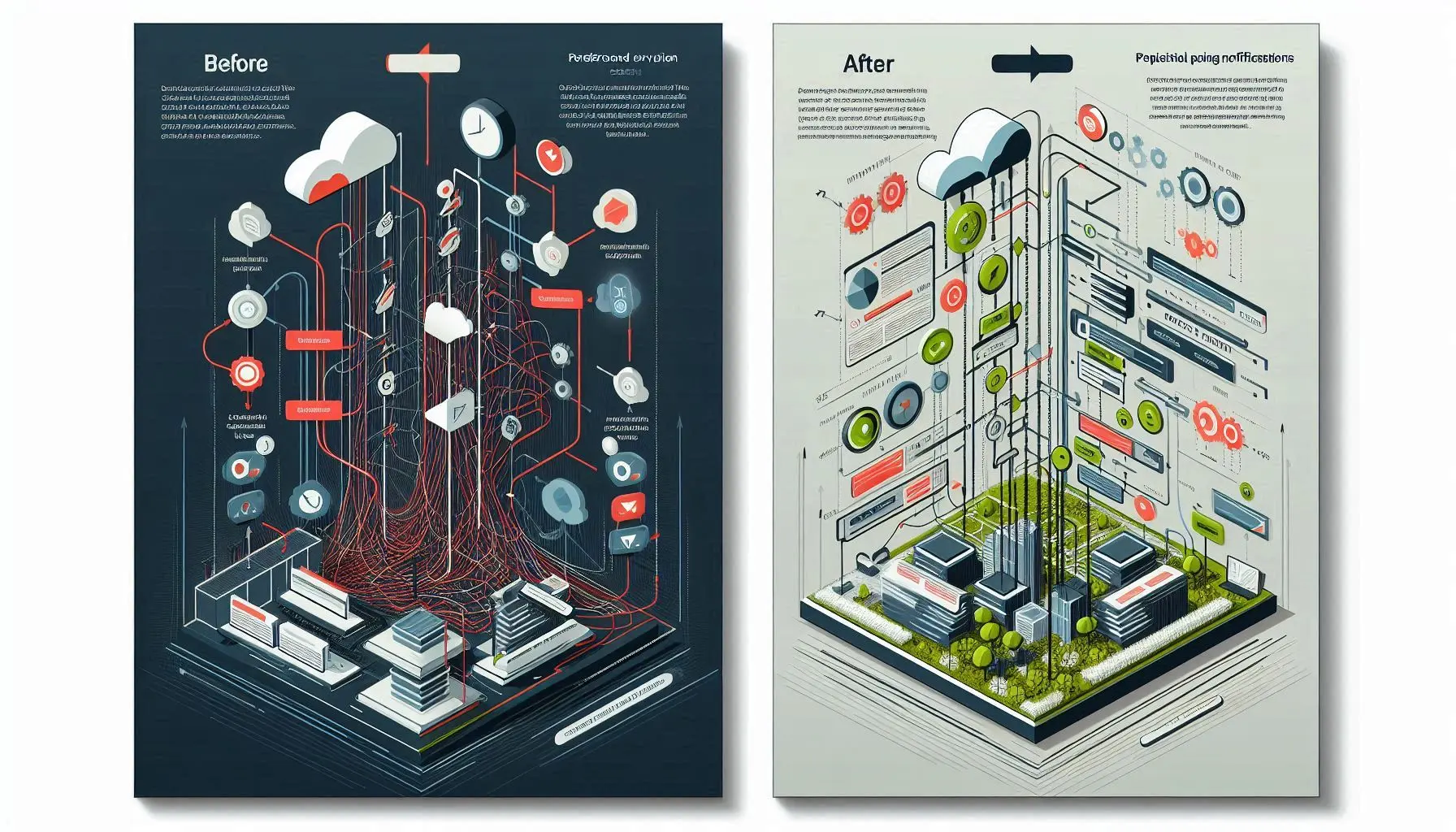
Before (Foreground Service):
- Battery drain: Noticeable daily impact
- Persistent notification: Always there, always annoying
- Backup delay: Immediate (0-5 seconds)
- Crashes on Android 14: Constant
- App store rating: Trending down
After (WorkManager):
- Battery drain: ~70% reduction
- Notification: Only during active backup
- Backup delay: Up to 1 hour (nobody complained)
- Crashes: 95% reduction
- Rating: Stabilized, battery complaints stopped
What I Wish I'd Known Earlier
The "real-time" requirement was in my head, not in user feedback. I assumed people needed instant backups. They didn't. They just wanted backups to happen automatically at some point. An hour delay? Nobody noticed.
Polling feels wrong to programmers. "Why check every hour when you could just listen for events?" Because listening requires running constantly, and Android doesn't want you running constantly. Polling wakes up, does work, goes to sleep. Android likes that.
WorkManager constraints are underrated. Setting setRequiresBatteryNotLow(true) means my workers don't run when the phone is dying. Users never see "this backup app drained my battery" in low-battery situations because... the app isn't running in low-battery situations.
Test on real phones from real manufacturers. Emulators don't have Samsung's "battery optimization" or Xiaomi's "battery saver" or OnePlus's "deep sleep mode." These features murder background processes in creative ways. If it works on the emulator but fails on a real Samsung phone, the Samsung phone is the ground truth.
If You're Still Using Foreground Services
Ask yourself: does this genuinely need to run 24/7? Or did I just build it that way because broadcast receivers were easy?
The migration pattern is straightforward:
- Save your state to persistent storage
- Schedule a periodic WorkManager worker
- On each run, compare current state to saved state
- Process any changes
- Save the new state
- Sleep
Add constraints so you don't run during low battery or low storage. Stagger work if you might have bursts of activity. Use structured concurrency.
The platform has made its stance clear: efficient apps get to run, inefficient apps get killed. WorkManager is the peace treaty between your app and the system. Sign it.
I spent months fighting Android's background restrictions. Then I spent two weeks implementing WorkManager and wondering why I hadn't done it sooner. The app is more stable, uses less battery, and I'm not debugging manufacturer-specific foreground service murders anymore.
Sometimes the right answer isn't working harder. It's working with the system instead of against it.