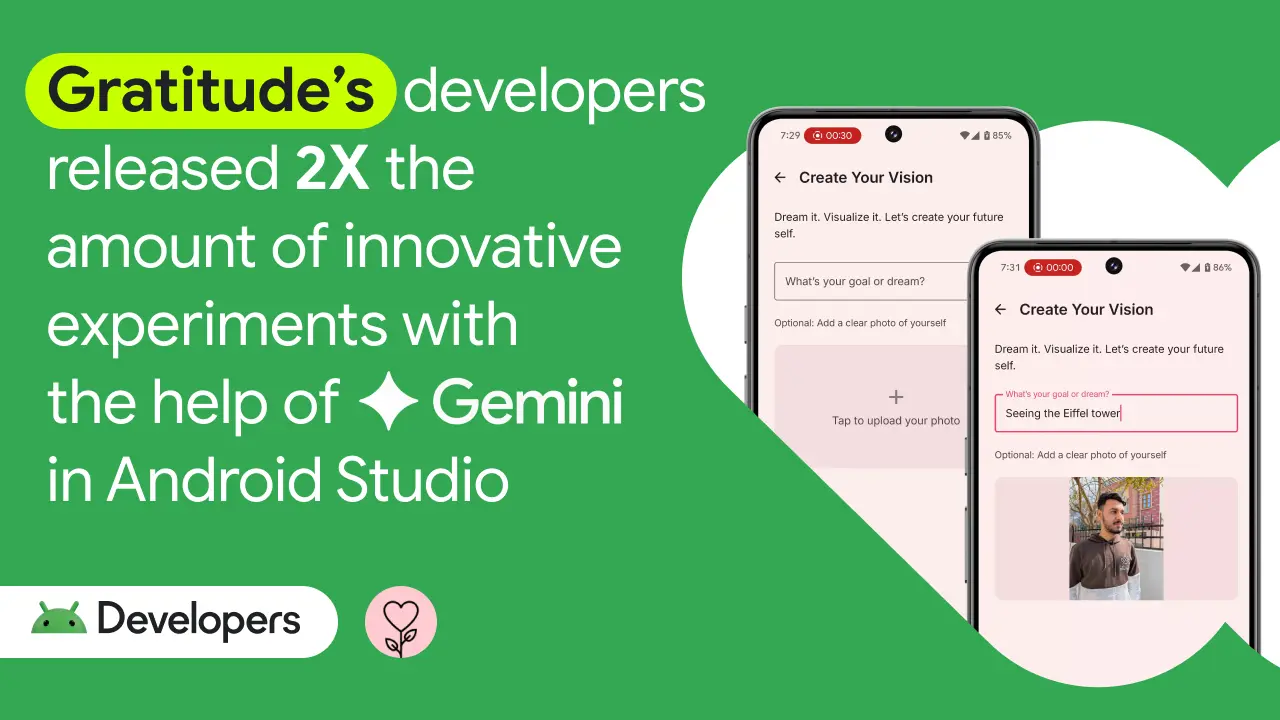
Google published a case study about Gratitude (a mental wellness app) using Gemini in Android Studio. Their claim: 2X the amount of experiments shipped compared to before.
I was skeptical. But after reading through their specific use cases, some of it makes sense.
What They Actually Used It For
The interesting part isn't the "2X productivity" headline - it's the specific problems they solved.
Hilt EntryPoint confusion. If you've ever tried to inject dependencies into a BroadcastReceiver declared in the manifest, you know it's not obvious. The Gratitude team asked Gemini how to do this and got a working answer faster than digging through documentation.
I've been there. Hilt's EntryPoint pattern isn't intuitive, and the docs assume you already understand it. Having something explain when to use it versus other approaches saves real time.
collectAsState vs collectAsStateWithLifecycle. They mentioned using Gemini to understand when to use which. This is exactly the kind of question where Stack Overflow gives you ten different answers and half of them are outdated.
Baseline profiles. Setting these up correctly is tedious. If Gemini can walk you through it step by step, that's legitimately useful.
Where I See the Real Value
After reading their case study and using Gemini 2.5 Pro IO edition myself, here's what I think actually helps:
Debugging unfamiliar errors. When you hit a weird Hilt or Compose error that doesn't match any Stack Overflow post, being able to paste the whole stack trace and get context-aware suggestions is valuable.
Learning new APIs. "What's the difference between X and Y" questions where the answer is nuanced. Gemini's explanations tend to be more practical than official documentation.
Boilerplate generation. Room DAOs, Retrofit interfaces, the repetitive setup stuff. Ask for it, review it, adjust as needed.
Code review assistance. Paste a function and ask "what could go wrong here." It catches things.
Where It Falls Short
It still hallucinates APIs. Less than ChatGPT in my experience, but it'll confidently suggest methods that don't exist. Always verify.
Architecture decisions. It can implement whatever pattern you describe, but don't expect it to tell you which pattern is right for your situation.
Timing and threading bugs. For concurrency issues, the suggestions are usually too generic to help.
Latest library versions. It sometimes suggests deprecated approaches. I've gotten Compose code that worked fine on 1.4 but was outdated by 1.5.
The 2X Claim
Is 2X realistic? For the Gratitude team's specific situation - frequently hitting unfamiliar territory, ramping up on new patterns - I can see it making a meaningful difference.
For experienced developers who already know their way around Hilt, Compose, and performance optimization? Probably not 2X. But even 20% faster on debugging and documentation lookup adds up.
Divij Gupta (their Senior Android Developer) said it made the team "feel more productive, motivated, and excited." That's harder to measure but probably matters more than raw productivity numbers.
Trying It Yourself
If you want to experiment:
- Open Android Studio (Hedgehog or newer)
- Go to Settings → Plugins → search "Gemini"
- Install and restart
- Sign in with your Google account
Start with simple questions to calibrate expectations:
- "Explain what this function does" (select some code first)
- "How can I improve this code's performance?"
- "Show me how to implement a RecyclerView with DiffUtil"
Then try it on real problems you're stuck on.
My Take
AI coding assistance isn't magic, but it's not useless either. The Gratitude team found specific use cases where it helped them. Your mileage will vary based on what you're building and what you already know.
The key is treating it as a tool for specific problems, not a replacement for understanding your codebase. Use it for the things it's good at. Don't expect it to architect your app for you.
For more details, read the full case study on the Android Developers Blog.