I knew what MQTT was. Pub-sub protocol, lightweight, made for IoT. I'd seen it mentioned in countless articles. But knowing what something is and actually getting it to work in your Android app? Yeah, those are very different things.
When I finally sat down to implement it for a smart home app - controlling lights, reading sensors, that kind of stuff - I realized I had a lot of gaps to fill.
Why I Switched Libraries
I started with the official Eclipse Paho library (org.eclipse.paho:org.eclipse.paho.android.service). Everything worked fine for months. Then users on Android 14 started reporting crashes.
Spent a whole evening debugging. Turns out Android 14 made foreground service types mandatory - you have to declare foregroundServiceType in the manifest now, otherwise the system throws MissingForegroundServiceTypeException when calling startForeground(). The Eclipse Paho library never got updated to handle this. Checked their GitHub - 240+ open issues, no recent activity. Great.
On top of that, it still uses the old LocalBroadcastManager from the support library. That thing's been deprecated forever. The usual workarounds like adding androidx.legacy:legacy-support-v4 or enabling Jetifier? Stopped working properly somewhere along the way.
I ended up switching to hannesa2/paho.mqtt.android. It's a fork that someone's actually maintaining - handles Android 12+ background restrictions and Android 14's foreground service stuff properly. Should've found it earlier.
The Paho library documentation is... sparse. And most tutorials online stop at "hello world" examples that don't help when you're trying to wire things up with ViewModels and Compose.
So here's what actually worked for me.
Quick MQTT Refresher
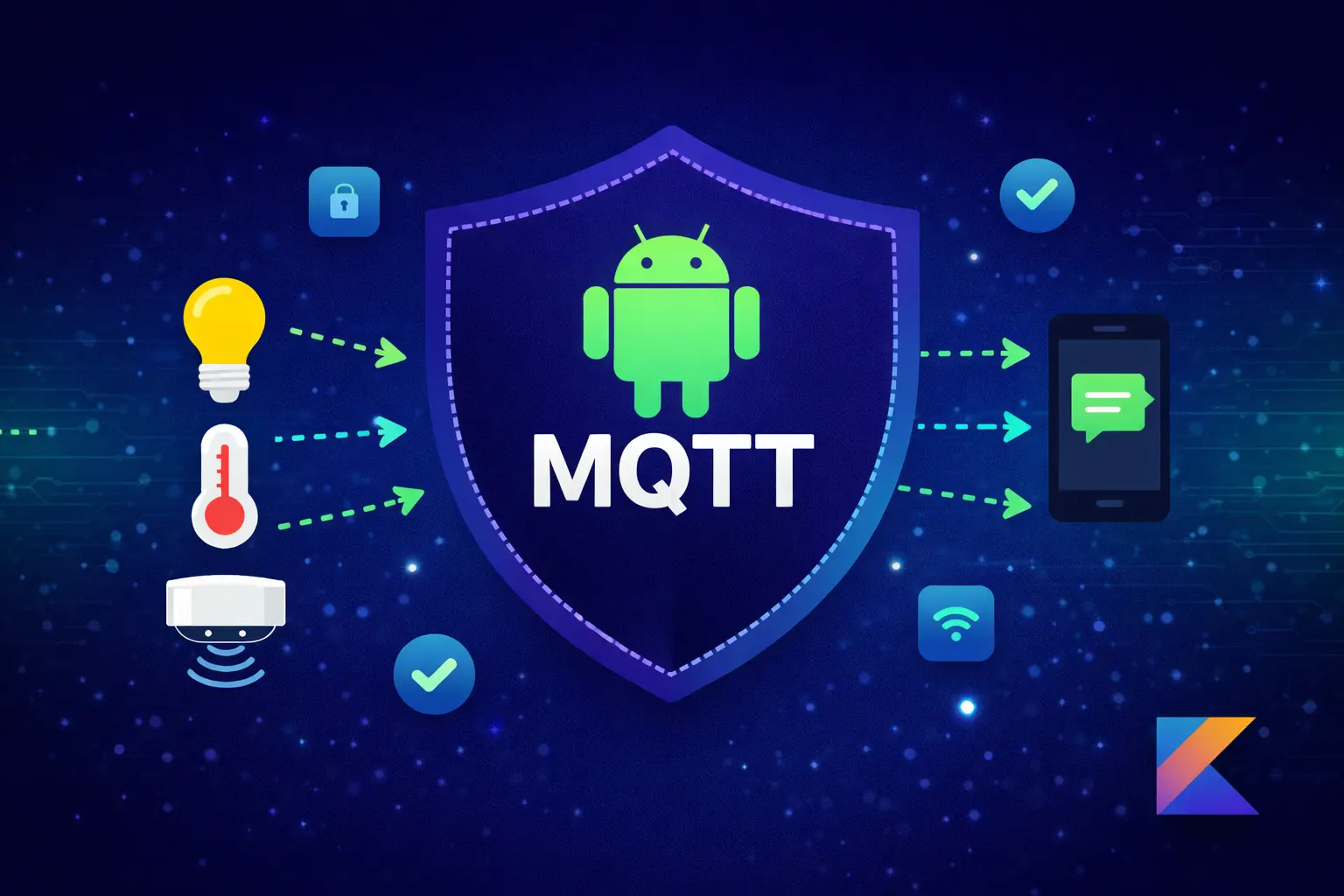
If you're fuzzy on how MQTT works: there's a broker (server) in the middle, and everything talks through it. Devices publish messages to "topics," and your app subscribes to topics it cares about.
┌─────────────┐       ┌─────────────┐       ┌─────────────┐
│   Device    │       │   Broker    │       │  Android    │
│  (Publisher)│──────▶│   Server    │◀──────│    App      │
└─────────────┘       └─────────────┘       └─────────────┘
                            │
        Publish to ─────────┼───────── Subscribe to
        "home/light/1"      │         "home/light/+"
Topics look like file paths: home/living-room/light/status. When a light changes state, it publishes to its status topic. Your app, subscribed to that topic, gets the update instantly. No polling, no webhooks, just real-time messages.
Getting Started
The Paho library is what most people use for MQTT on Android. Add it to your build:
// build.gradle.kts (app module)
dependencies {
    implementation("com.github.hannesa2:paho.mqtt.android:4.2.4")
    implementation("org.jetbrains.kotlinx:kotlinx-coroutines-android:1.7.3")
}
You'll need JitPack for this. In settings.gradle.kts:
dependencyResolutionManagement {
    repositories {
        google()
        mavenCentral()
        maven { url = uri("https://jitpack.io") }
    }
}
Manifest stuff:
<uses-permission android:name="android.permission.INTERNET" />
<uses-permission android:name="android.permission.ACCESS_NETWORK_STATE" />
<uses-permission android:name="android.permission.WAKE_LOCK" />

<application ...>
    <service android:name="info.mqtt.android.service.MqttService" />
</application>
That WAKE_LOCK permission lets the MQTT service keep running when the screen is off. Important for a smart home app where you want to receive updates even when you're not actively using it.
The MqttManager Class
This took me a few tries to get right. My first version was a mess of callbacks - hard to test, harder to use with Compose. What worked was wrapping everything in Flows:
class MqttManager(
    private val context: Context,
    private val serverUri: String,
    private val clientId: String = "AndroidClient_${System.currentTimeMillis()}"
) {
    private var mqttClient: MqttAndroidClient? = null

    private val _connectionState = MutableSharedFlow<ConnectionState>(replay = 1)
    val connectionState = _connectionState.asSharedFlow()

    private val _incomingMessages = MutableSharedFlow<MqttMessage>(extraBufferCapacity = 64)
    val incomingMessages = _incomingMessages.asSharedFlow()

    sealed class ConnectionState {
        object Disconnected : ConnectionState()
        object Connecting : ConnectionState()
        object Connected : ConnectionState()
        data class Error(val message: String) : ConnectionState()
    }

    data class MqttMessage(
        val topic: String,
        val payload: String,
        val qos: Int
    )

    suspend fun connect(username: String? = null, password: String? = null): Result<Unit> {
        return try {
            _connectionState.emit(ConnectionState.Connecting)

            mqttClient = MqttAndroidClient(context, serverUri, clientId).apply {
                setCallback(object : MqttCallbackExtended {
                    override fun connectComplete(reconnect: Boolean, serverURI: String?) {
                        _connectionState.tryEmit(ConnectionState.Connected)
                    }

                    override fun connectionLost(cause: Throwable?) {
                        _connectionState.tryEmit(ConnectionState.Disconnected)
                    }

                    override fun messageArrived(topic: String?, message: org.eclipse.paho.client.mqttv3.MqttMessage?) {
                        topic ?: return
                        message ?: return
                        _incomingMessages.tryEmit(
                            MqttMessage(topic, String(message.payload), message.qos)
                        )
                    }

                    override fun deliveryComplete(token: IMqttDeliveryToken?) {}
                })
            }

            val options = MqttConnectOptions().apply {
                isCleanSession = false
                connectionTimeout = 30
                keepAliveInterval = 60
                isAutomaticReconnect = true
                username?.let { userName = it }
                password?.let { setPassword(it.toCharArray()) }
            }

            mqttClient?.connect(options)
            Result.success(Unit)
        } catch (e: Exception) {
            _connectionState.emit(ConnectionState.Error(e.message ?: "Connection failed"))
            Result.failure(e)
        }
    }

    fun subscribe(topic: String, qos: Int = 1) {
        mqttClient?.subscribe(topic, qos)
    }

    fun publish(topic: String, payload: String, qos: Int = 1, retained: Boolean = false) {
        val message = org.eclipse.paho.client.mqttv3.MqttMessage().apply {
            this.payload = payload.toByteArray()
            this.qos = qos
            this.isRetained = retained
        }
        mqttClient?.publish(topic, message)
    }

    fun disconnect() {
        mqttClient?.disconnect()
        _connectionState.tryEmit(ConnectionState.Disconnected)
    }

    fun isConnected(): Boolean = mqttClient?.isConnected == true
}
The extraBufferCapacity = 64 on the messages flow is there because messages can arrive faster than your collectors process them. Learned that one when testing with a temperature sensor that publishes every second.
The QoS Thing
MQTT has three "quality of service" levels. Took me a bit to understand when to use which:
| QoS | What Happens |
|---|---|
| 0 | Fire and forget. Message might not arrive. |
| 1 | Broker keeps trying until you acknowledge. Might get duplicates. |
| 2 | Guaranteed exactly once. Slower. |
My first instinct was QoS 2 for everything. Sounds safest, right? But then I noticed the light switches felt sluggish. Like 200-300ms of lag. Users were tapping twice thinking the first tap didn't register.
Switched to QoS 1 for device commands and the lag disappeared. QoS 0 works fine for sensor data that updates constantly anyway - if you miss one temperature reading, another one's coming in 2 seconds.
Encrypting Messages
Not all MQTT data needs encryption, but for anything sensitive I use AES:
object MqttEncryptionHelper {
    private const val TRANSFORMATION = "AES/CBC/PKCS5Padding"

    fun encrypt(plainText: String, secretKey: String, iv: String): String {
        val cipher = Cipher.getInstance(TRANSFORMATION)
        val keySpec = SecretKeySpec(secretKey.toByteArray(), "AES")
        val ivSpec = IvParameterSpec(iv.toByteArray())
        cipher.init(Cipher.ENCRYPT_MODE, keySpec, ivSpec)
        val encrypted = cipher.doFinal(plainText.toByteArray(Charsets.UTF_8))
        return Base64.encodeToString(encrypted, Base64.NO_WRAP)
    }

    fun decrypt(encryptedText: String, secretKey: String, iv: String): String {
        val cipher = Cipher.getInstance(TRANSFORMATION)
        val keySpec = SecretKeySpec(secretKey.toByteArray(), "AES")
        val ivSpec = IvParameterSpec(iv.toByteArray())
        cipher.init(Cipher.DECRYPT_MODE, keySpec, ivSpec)
        val decoded = Base64.decode(encryptedText, Base64.NO_WRAP)
        return String(cipher.doFinal(decoded), Charsets.UTF_8)
    }
}
Fair warning: AES-256 wants exactly 32 bytes for the key. Not 32 characters - 32 bytes. I wasted probably an hour on "Invalid AES key length" errors before I figured that out. Pad your keys properly or use a key derivation function.
Wiring Up the ViewModel
Here's how the MqttManager connects to the rest of the app:
class MqttViewModel(application: Application) : AndroidViewModel(application) {

    private val mqttManager = MqttManager(
        context = application,
        serverUri = "ssl://your-broker.com:8883"
    )

    private val _deviceStates = MutableStateFlow<Map<String, Boolean>>(emptyMap())
    val deviceStates: StateFlow<Map<String, Boolean>> = _deviceStates.asStateFlow()

    val connectionState = mqttManager.connectionState

    init {
        viewModelScope.launch {
            mqttManager.incomingMessages.collect { message ->
                // Topic format: home/light/{id}/status
                val parts = message.topic.split("/")
                if (parts.getOrNull(1) == "light" && parts.getOrNull(3) == "status") {
                    val deviceId = parts[2]
                    val isOn = message.payload == "ON" || message.payload == "1"
                    _deviceStates.update { it + (deviceId to isOn) }
                }
            }
        }
    }

    fun connect() = viewModelScope.launch { mqttManager.connect() }

    fun subscribeToDevices(deviceIds: List<String>) {
        deviceIds.forEach { id ->
            mqttManager.subscribe("home/light/$id/status")
        }
    }

    fun toggleLight(deviceId: String, turnOn: Boolean) {
        mqttManager.publish(
            topic = "home/light/$deviceId/command",
            payload = if (turnOn) "ON" else "OFF",
            qos = 1
        )
    }

    override fun onCleared() {
        mqttManager.disconnect()
    }
}
Nothing fancy. The ViewModel collects messages from the manager, parses the topics to figure out which device sent what, and updates state. Compose UI just observes deviceStates and connectionState.
Topic Naming
Spent more time on this than I expected. Bad topic structure is painful to change later. What I landed on:
{location}/{device-type}/{device-id}/{action}

home/light/living-room-1/status     # device publishes state here
home/light/living-room-1/command    # app publishes commands here
home/sensor/temp-1/reading
The + wildcard matches one level, # matches everything below:
home/+/+/status    → all device statuses
home/light/#       → everything light-related
Stuff That Bit Me
The clean session thing. Had isCleanSession = true initially. Couldn't figure out why I wasn't getting messages that were published while my app was in the background. Turns out the broker throws away your subscriptions when you disconnect with a clean session. If you want persistent subscriptions, set it to false.
Last Will messages. If your app crashes hard or loses network, it just vanishes from the broker's perspective. Other devices don't know it's gone. You can set up a "Last Will" - a message the broker publishes on your behalf if you disconnect unexpectedly:
options.setWill(
    "home/device/$clientId/status",
    "offline".toByteArray(),
    1,
    true
)
Retained flag. This one's actually useful. When you publish with retained = true, the broker stores that message. Any new subscriber immediately gets the last retained message instead of waiting for the next publish. Perfect for status topics - when someone opens the app, they see current device states right away instead of a bunch of "unknown" placeholders.
Testing. HiveMQ has a free public broker at broker.hivemq.com:1883. No auth, just connect. Made it way easier to test without setting up my own broker first.
Once I understood these quirks, the rest was straightforward. The pattern is always the same: subscribe to topics you care about, handle incoming messages in a Flow collector, publish commands when the user taps something. Most of the complexity is in the initial setup.